Today is the 10th annual Day Against DRM. Which means that all ebooks at O’Reilly are 50% off today! And all ebooks at Packt are $10 each. I should really finish some of the books I already have before buying any more though. We’ll see if I can make it through the day without buying any new C# or F# or Ruby books…
Category: books
F# for C# Developers
I finished reading F# for C# Developers today. I just checked, and I started reading it almost exactly two years ago. (I didn’t really read all the way through to the end today, admittedly; I skimmed some parts that weren’t that interesting to me. But I read most of it.) One part that was of interest was a section on WebSharper, which looks like a pretty nifty way to create web apps in F#. I’d like to play around with that some more.
I also made some more progress on Real-World Functional Programming, reading the chapter on testing, which used xUnit.net for unit testing in F#. I’d never tried xUnit.net before; I’ve previously used NUnit a bit, for C# unit testing, and I’ve also used the unit testing functionality built into recent versions of Visual Studio. So xUnit.net is another thing I’d like to play with some more.
I’m probably going to get side-tracked from this F# stuff again pretty soon, but hopefully I’ll have time this week to make some more progress.
Evernote Essentials
I just finished rereading Brett Kelly’s Evernote Essentials. I first bought it and read it in 2014. He released an updated version recently, so I thought I’d download it and give it a quick reread. It does have some updates since the last version I read, but nothing that I wasn’t already aware of. If you’re new to Evernote, and want to get up to speed quickly, it’s a good book to read. He’s now selling it in three versions; one is just the book, then there are “plus” and “premium” versions with extra content, including video and audio content. I can’t really imagine needing the extra content, though I’m sure it’s good, if you’re really into Evernote, and don’t mind paying for it.
I’m still getting a lot of use out of Evernote. They’ve updated the Mac and Windows clients recently, with some interesting new features. In the recent past, updates to the desktop software were sometimes more annoying than useful. They’d add non-removable buttons for features I don’t use, like “Work Chat”. But lately, they’ve actually been adding useful features and capabilities, such as the new Cmd-J feature on the Mac.
John Ashbery
I’ve been reading old issues of the New Yorker at lunch time recently. (I’m still working through the backlog of issues from the last time I had a subscription.) Earlier this week, I came across a poem by John Ashbery. I first read his poetry back when I was in college, for a class, and remember enjoying it. I don’t usually like most of the poetry in the New Yorker, but once in a while something clicks. So it got me thinking about Ashbery and maybe picking up a book of his work. I checked Amazon, and was surprised to see that the first few I looked at weren’t available for the Kindle.
I didn’t think too much about it, but I stumbled across this old article from the NY Times today, which explains a few things. It makes sense, and it’s good to know that I can pick up a number of his books in ebook format, though they’re kind of expensive. The 100-page Three Poems is $15 on Kindle, while the 1000-page hardcover Collected Poems is just under $30. So you can get the complete text of his first dozen books in a nice hardcover for $30, or an ebook of just one for $15. That doesn’t make much sense to me, but I guess I shouldn’t look for sense in the pricing of poetry books and ebooks.
I don’t understand nearly enough about poetry to tell you why John Ashbery is good, and why I like his work. But I’ve been thinking lately that poetry acts on the brain in a way that’s different from other prose, and perhaps it’s beneficial to read some, now and then.
random stuff
I noticed in my “On This Day” sidebar that I’ve written a lot of blog posts on January 20th. I’m not sure why, but I feel like I should keep up the trend and write one today too.
But I have nothing in particular to write about, so I’ll just dump some random stuff out of my head. Which will probably be helpful to me, but maybe not to anyone else.
First, I have a cold, I think. And, whatever it is, it’s been hanging in there since Christmas. I keep thinking it’s just about gone, then it comes back. I’m quite frequently sick at this time of the year, so I shouldn’t really be surprised. All this ridiculously cold weather this week isn’t helping either, and we’re getting ready for a possibly major snowstorm this weekend. I’d really like to take off for a week or three and go to Florida, or San Diego, or anyplace warm, really.
After several months of not touching any novels or non-fiction books, and reading only short form stuff and comics, I’m back on a long-form book kick. I’m currently reading Thunderer by Felix Gilman and First Things First by Stephen Covey. I’m enjoying the Gilman book enough that it’s putting me in the mood to read more stuff like it. Maybe some China MiĆ©ville or Paolo Bacigalupi. (I honestly don’t know enough about either of those guys to know if it actually makes sense to group them together with Gilman, but for some reason, I think it does.)
On an unrelated subject, I stumbled across a great article on MacDrifter today about Drafts. I’m using Drafts a lot now, much more than I used to, but I’m still not really using it to its full potential. Of course, I don’t really use my iPhone or iPad for writing much; I stick with a “real” computer for that. But Drafts is great for some stuff, including quickly dumping notes into Evernote. It’s just faster and easier than opening up the Evernote client itself, which is a great app, but kind of slow to start. Drafts opens quickly and lets you start typing right away.
I’ve also noticed that Things for Mac is on sale for $25 right now. I own the iOS version, which I bought a while back when it was on sale, and I tried the Mac version, but I couldn’t talk myself into using it regularly. I might go ahead and pay for the Mac version, and give it another try. I’m keeping track of stuff largely in Evernote these days, but it might be a good idea to use something more structured for some stuff.
Tomorrow will be my three-year anniversary at SHI. I don’t have too much to say about that, other than that it’s been a pretty stable job, without a lot of drama or stress, and I seem to be doing well there, based on my performance reviews. I’m occasionally tempted to shake things up and find something new and interesting, but for now, I’m content with what I’ve got.
logging comics on Goodreads
How Do You Count Comics on Goodreads?
Glad to see I’m not the only one who’s a little obsessive about logging stuff on Goodreads. If I’m reading individual issues, I try to find the corresponding trade paperback collection and log it as though I read the trade. (And I put in a note to myself that I read the individual issues, so I don’t wonder why I can’t find the trade on my bookshelf, at some point in the future.)
Oh, and I just counted, and 71 out of 96 books I logged this year were comics. So 25 non-comics books, which isn’t too bad. Some of those were novels, some were programming books, and a few were other non-fiction books.
iOS Audiobook players
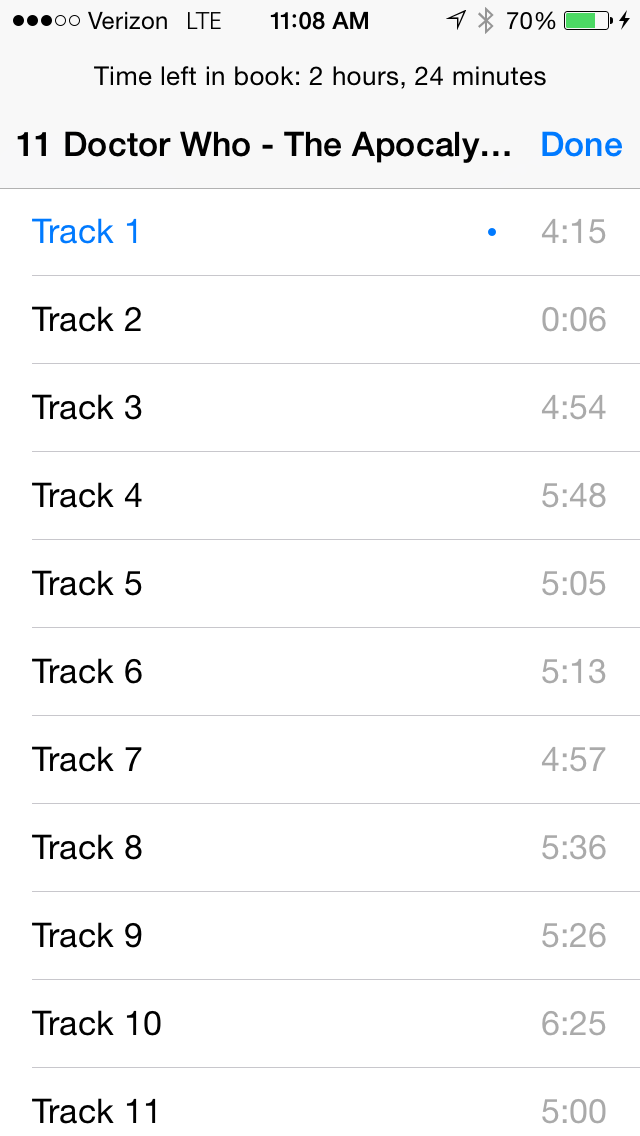
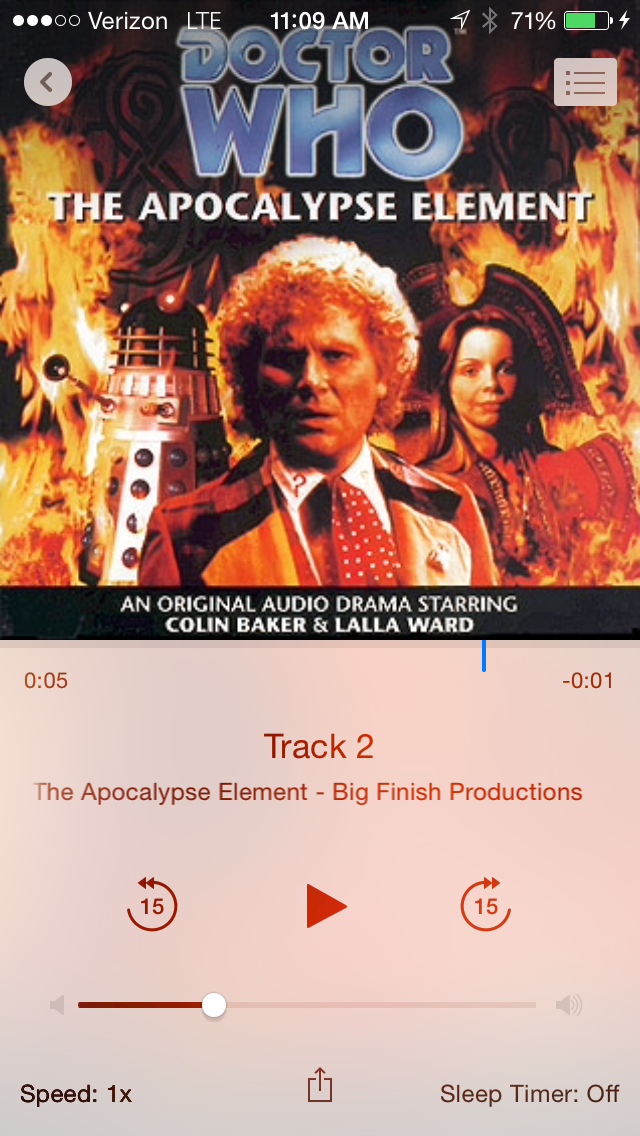
I don’t listen to a lot of audiobooks, but I listen to enough of them that I want to have a good audiobook player on my phone. On iOS, the audiobook features in the old music app were good enough that I never bothered looking elsewhere. But, since Apple moved the audiobook stuff into iBooks, there’s one issue that’s been bothering me. They don’t show actual track names anymore. They just show “Track 1”, “Track 2”, and so on. I don’t know why they did this. I can’t imagine something like this helping anybody. It just serves no purpose, and makes it that much harder to figure out where you are in a book. (See this thread on the Apple discussion forums for more complaining about this, and related audiobook issues.)
So I’ve been looking for an alternative audiobook app for my iPhone. Simple searches in the app store and Google didn’t turn up much in the way of good candidates. Book Mower looked the most promising. But I gave it a try and really didn’t like the user interface. I don’t know, it might work for some people, but it really didn’t work for me.


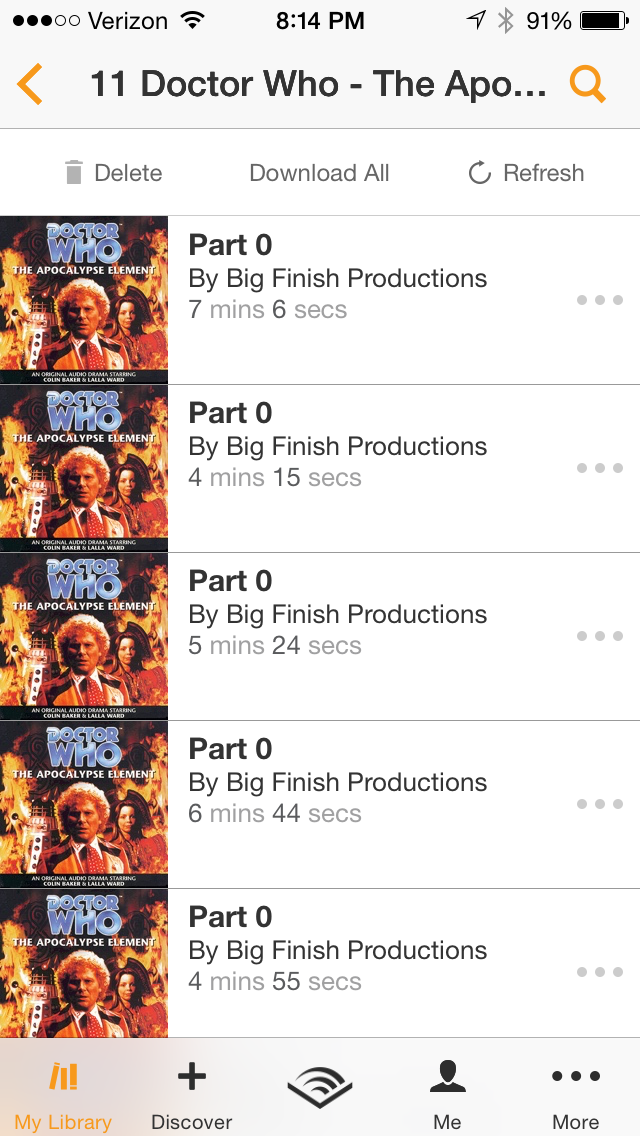
I also tried the Audible app, which does have the ability to play non-DRM’ed files, in addition to their own stuff. Most of the audiobook content that I have is in the form of DRM-free MP3 files that I’ve gotten either from Big Finish or that I’ve ripped from audio CDs. (Or copied from MP3 CDs.) The Audible app does show track names, but not always the right ones, and, for the books I was testing with, it showed the tracks in apparently random order. So that’s really a deal-breaker!

So, not having found anything really useful, I went a bit further afield. I found one thread suggesting an app named Ecoute, which is meant as a music player, but apparently works reasonably well for audiobooks too. And another thread mentioned Downcast, which is a podcast player, but might also work for audiobooks. I didn’t actually get around to trying either of those, but I might come back to them at some point.
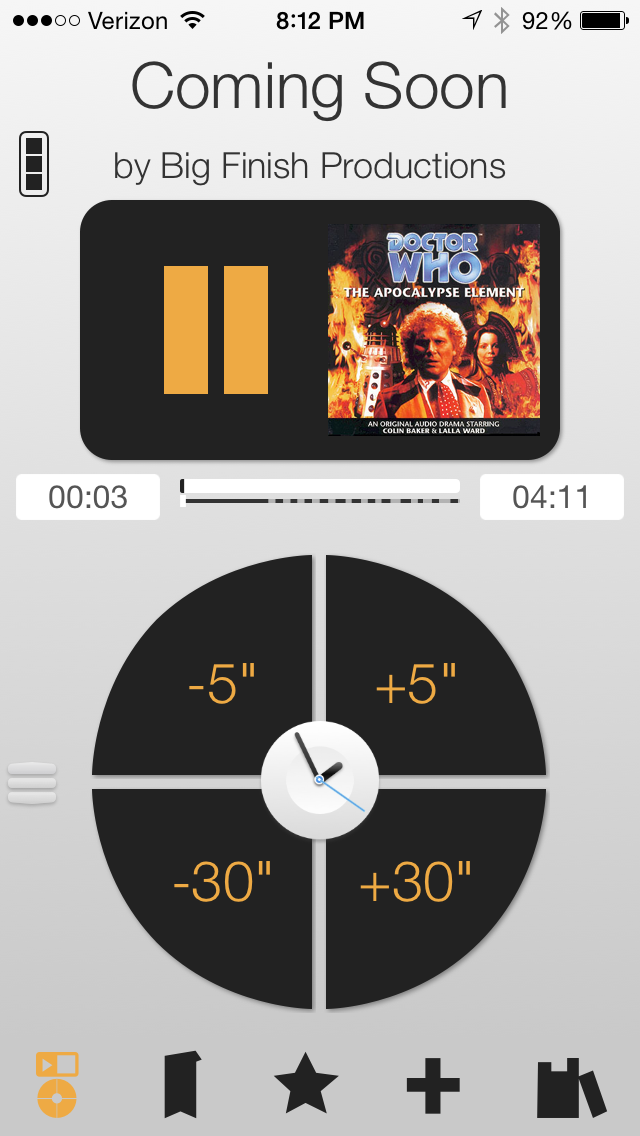
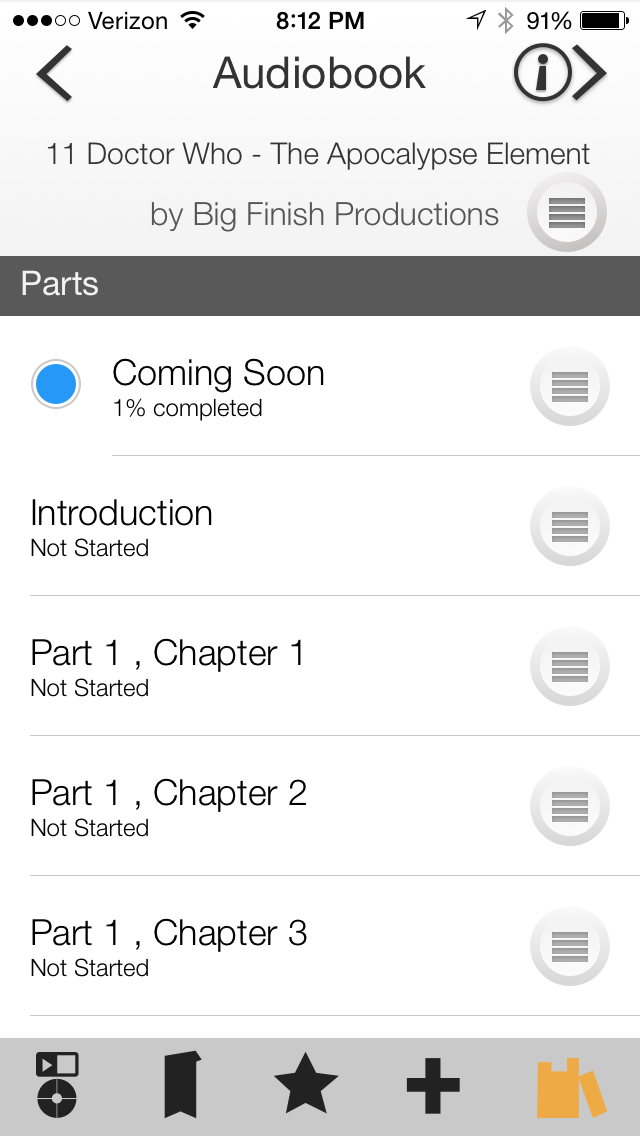
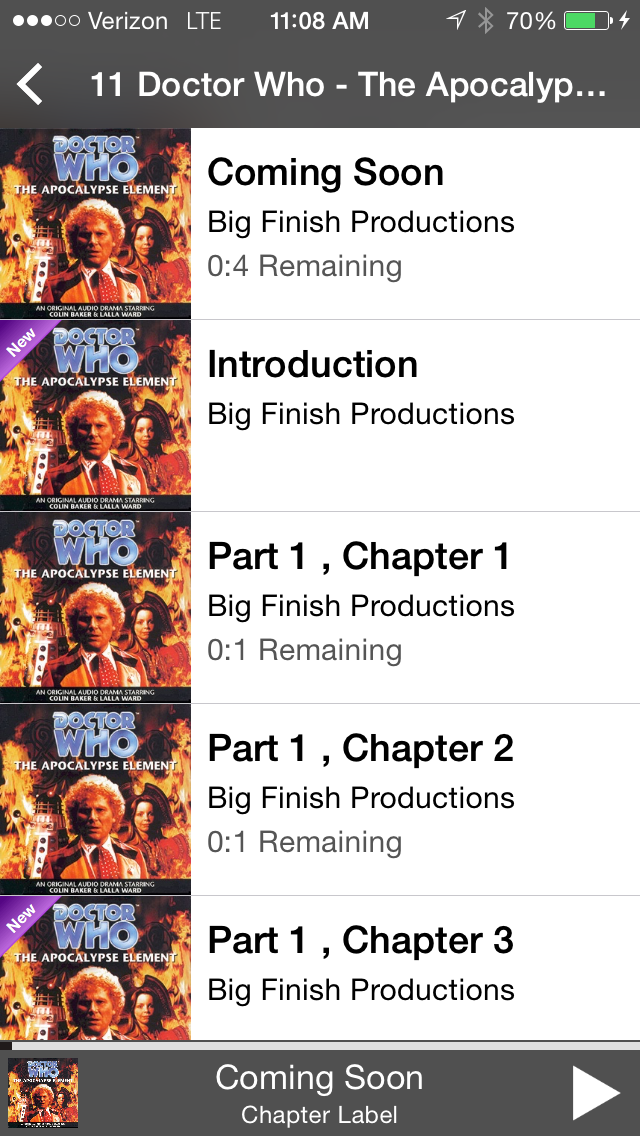
Eventually, I got the bright idea to look at the Big Finish forums, since it seemed like this problem would also be affecting other folks who listen to their stuff. I quickly found this thread with a lot of gripes about the iBooks app. One of the folks posting in the thread mentioned that he was working on an audio player app that would work better for stuff like the Doctor Who dramas. He released it just recently. It’s called Undulib, which is an odd name, but that’s ok.


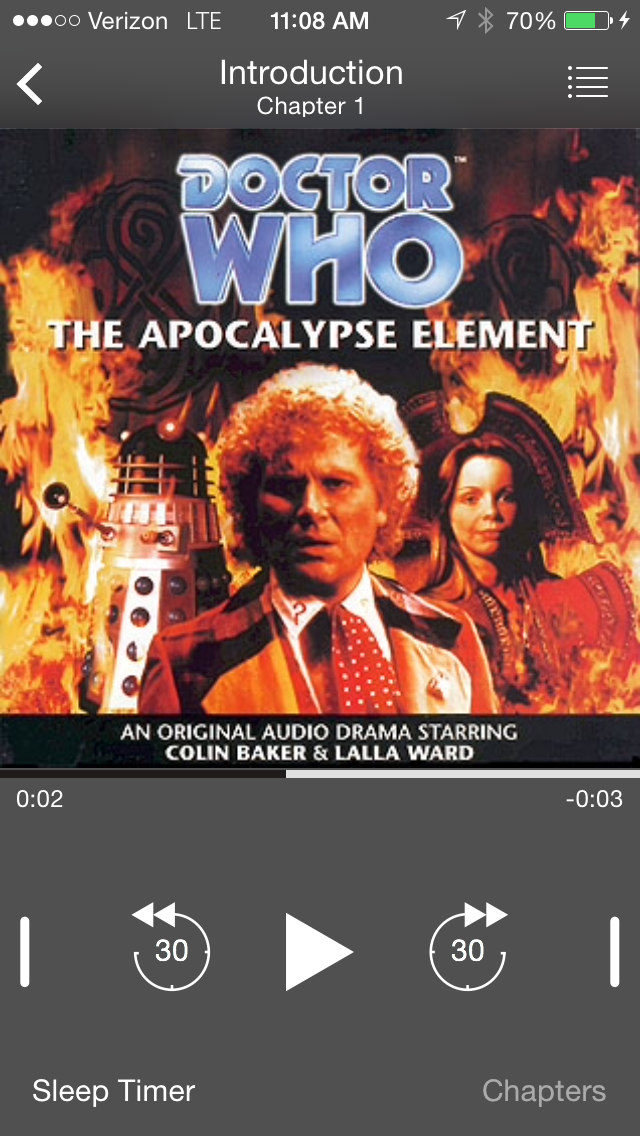
I bought it and installed it, but I haven’t had much of a chance to use it yet. The track listing includes titles, which is the main thing. But the “time remaining” indicator is kind of weird. The app pulls in whatever audiobooks you’ve got in iBooks, so no problems there. I’m not sure if it updates the “last played” date (back into iTunes) like iBooks does, but it won’t be the end of the world if it doesn’t.
So now that I’ve spent so much time messing around with all these apps, I should really relax tonight and listen to a little Colin Baker adventure!
Amazon confusion
There has been much already written in reaction to the big article about Amazon that ran in the NY Times over the weekend. I’ll admit that the article really bothered me. It seems like most of the news about the ways in which Amazon treats its employees, contractors, and suppliers over the last few years has been overwhelmingly negative. Enough that it almost seems immoral to continue doing business with them as a customer.
Some of the reaction to the article has been pretty funny, such as this tweet from Dr. Drang or this article by Andy Borowitz from the New Yorker.
The response from Jeff Bezos seems reasonable, and this second follow-up item from GeekWire gives a little more perspective from the employee level. So the truth is in there somewhere — it’s probably not all as bad as the NY Times piece makes it out to be, but there are likely some bad managers and bad teams at the company, and a culture that sometimes allows that kind of thing to grow and thrive.
So I think I can continue to order my Breathe-Right strips from Amazon without being too concerned that I’m propping up a company that’s completely morally bankrupt. Still, I’ve been thinking about Amazon alternatives for some time now. But there aren’t a lot of good ones, in certain areas.
For books, I was looking at Abe Books and Book Depository, but they’re both owned by Amazon, so that doesn’t really help. Barnes & Noble is an option, but I’m not sure they’re better than Amazon, just less successful. Powell’s is probably a good option, and not owned by Amazon, as far as I can tell.
For ebooks, the picture is even less clear. I’ve had a Kindle since the very first model, and I really like the things. About the only real competitor to the Kindle now is Kobo. They’ve got a pretty good product in the Glo HD, judging from some of the reviews I’ve read. In terms of actual ebooks, Kobo’s bookstore looks pretty good, but I’m guessing their selection likely isn’t nearly as large as Amazon’s.
For general merchandise, I could go to Walmart.com, but I sure can’t make a case for Walmart being a better choice, morally, than Amazon.
So, in a nutshell, I’m not dropping my Amazon Prime subscription just yet. But I am alarmed about how large they’ve gotten, and how little competition they seem to have left, in certain areas, like books and ebooks. I’m going to try to give more of my business to smaller retailers, when I can. And I’m going to continue to try to buy DRM-free ebooks when possible, so it’ll be easier for me to switch away from the Kindle ecosystem if I ever decide to do that.
Beginning SharePoint 2013 development
Beginning SharePoint 2013 Development by Steve Fox
My rating: 4 of 5 stars
I’m supposed to be getting involved in some SharePoint development at work soon. But I have no details on the specific project that I’ll be working on yet. So I’ve been doing some general background reading on SharePoint, in the hopes that some of it proves useful.
This book is structured so that each chapter gives you a quick introduction to one aspect of developing for SharePoint. A lot of stuff can be considered under the general heading of “SharePoint development”, and the book tries to cover as much as it can. I think it does a good job of covering the basics, and giving a new SharePoint developer a good overview of the various ways in which a developer can interact with SharePoint.
If, like me, you really have no idea where to start with SharePoint, this is a good book to pick up and read through. It covers enough of the basics that it should get you pointed in the right direction. But it’s not going to take you very far, once you’re actually off and running.
Code Complete
Code Complete by Steve McConnell
My rating: 5 of 5 stars
I started reading Code Complete years ago. (More than ten years ago, I think.) It’s a great book, but I kept putting it down in favor of more specific programming books, usually ones that I needed to read for something I had to learn for work; a new language or software package or whatever. And then I kind of forgot about it for awhile. But I finally got back to it in 2014, and just finished it up today. Near the end, I switched over from reading my hard copy of the first edition to reading the second edition on Safari.
Although the second edition is fairly old now too, and some of the specifics in it could be considered out of date, I’d say that almost everything in the book is still applicable.
The book, overall, is a solid introduction to the “best practices” for a professional software developer. It covers a lot of stuff that’s applicable for any professional programmer, regardless of the language you’re using or the environment you work in. McConnell has a lot of specific advice, and he backs it up with data; this isn’t one of those books that reads like a religious screed. It’s not just opinion.
If you’re making your living as a computer programmer, you should really read this book.